

F3 Syntax/Def Help
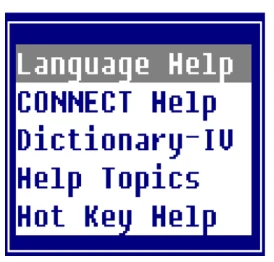
Allows you to access on-line help for language syntax and access Dictionary-IV definitions. You can get on-line help for Thoroughbred Basic syntax, Script-IV syntax, Report-IV syntax, help for CONNECT classes, or a list of Dictionary-IV definitions from which the definition details can be viewed. The Thoroughbred Basic syntax includes the Thoroughbred Basic on-line reference, release notes, API Services, etc.
From within the Source Editor press F3. The system displays the syntax/def help menu:
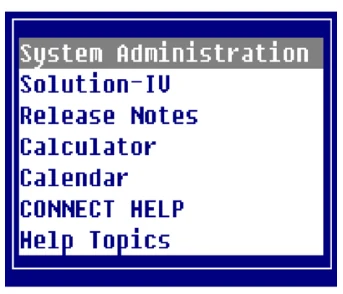
If you select Language Help from the syntax/def help menu the system displays the following:
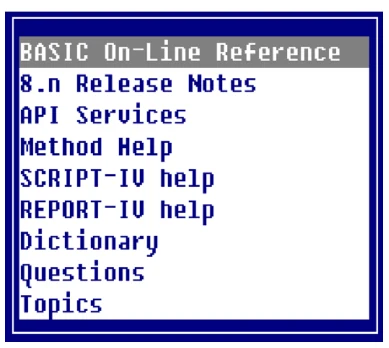
From the menu above scroll to the option you would like help on and press Enter.
If you select CONNECT Help from the syntax/def help menu the system displays the following:
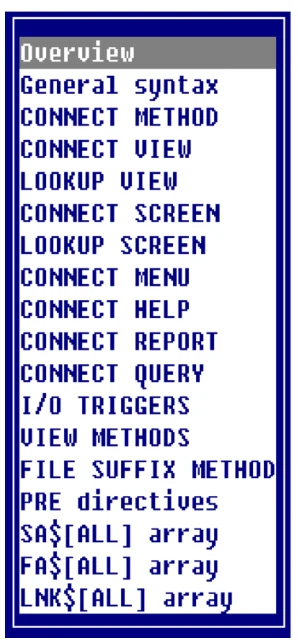
From the menu above scroll to the option you would like help on and press Enter.
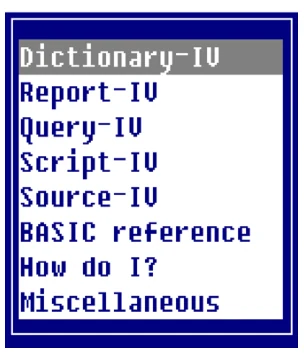
If you select Dictionary-IV from the syntax/def help menu the system displays the following:
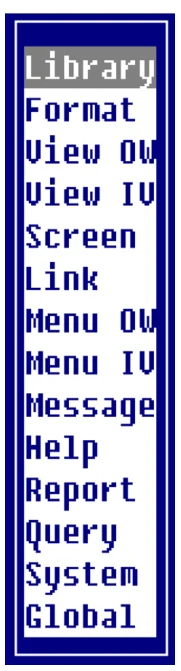
You can then select a specific Dictionary-IV definition type from the above list and the system displays a view of all definitions of the type selected. From the view you can highlight a definition and press Enter to select it, the system displays a view of the details for that definition.
If you select Help Topics from the syntax/def help menu the system displays the following:
From the menu above scroll to the option you would like help on and press Enter.
If you select Hot Key Help from the syntax/def help menu then press
Ctrl-P the system displays the following:
From the menu above scroll to the option you would like help on and press Enter.
From the Source-IV, version 8.9.1. Open this page in the PDF