

Graphic Definitions in Dictionary-IV
The following section provides a brief description of the graphic version of Dictionary-IV definitions.
Screens
Section titled “Screens”Graphic screens have all the functionality described in the Dictionary-IV Developer Guide and User guides.
Below is an example of a custom graphic screen.
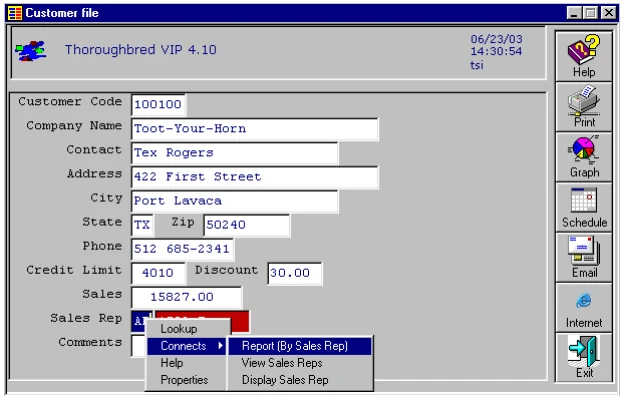
For more information on creating and using graphical screens please see the Create Graphic Presentations section and the Graphic Screen Designer section.
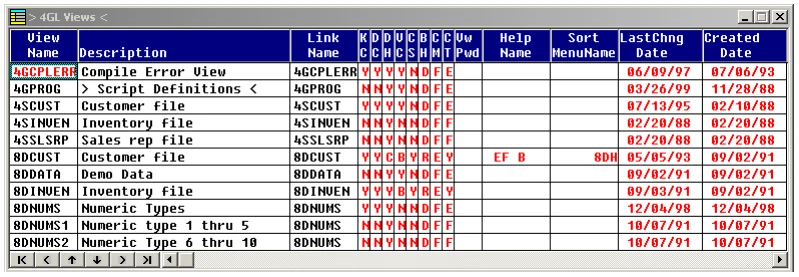
Graphic views have all the functionality described in the Dictionary-IV Developer Guide and User guides.
The following is an example of a graphic view:
Messages
Section titled “Messages”Graphic messages have all the functionality described in the Dictionary-IV Developer and User guides. VIP supports all Dictionary-IV and OPENworkshop message types. Messages can be displayed in the Status Bar:
or in a Dialog Box.
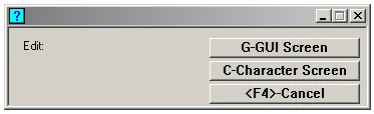
Where appropriate, VIP automatically adds an input control and buttons to the message control.
Graphic OPENworkshop (pop-up) menus have all the functionality described in the Dictionary-IV Developer and User guides. They are presented as a list within a GUI window.
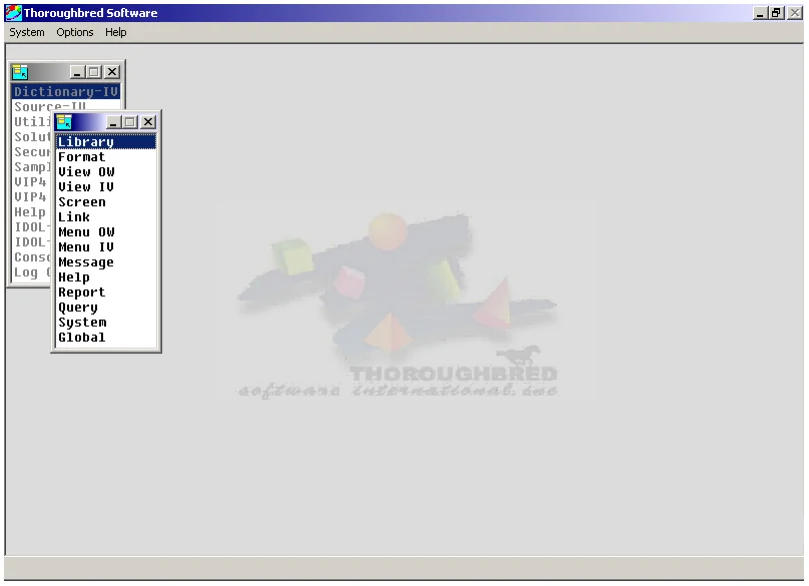
For more information, please see the Create Graphic Presentations section.
Graphic Dictionary-IV menus have all the functionality described in the Dictionary-IV Developer and User guides. Dictionary-IV menus are presented using graphical screen definitions. Graphical Dictionary-IV menus support all the features and functionality of a graphical screen definition.
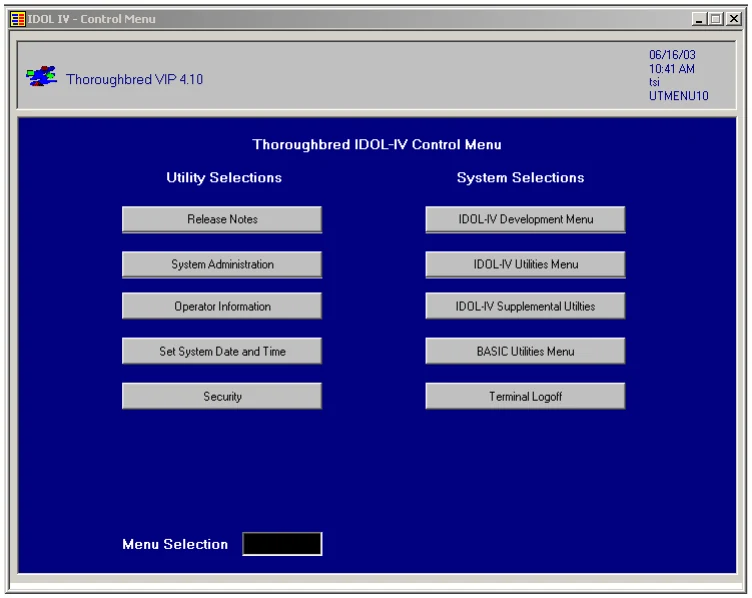
For more information, please see the Create Graphic Presentation section and the Graphic Screen Designer Section.
Matrix Menus
Section titled “Matrix Menus”Graphic matrix menus have all the functionality described in the OPENworkshop manual. Below is an example of a graphic matrix menu.
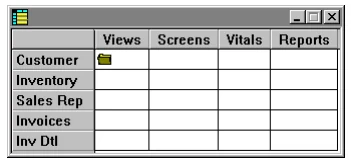
For more information, please see the Create Graphic Screen Presentation section.
On-line Help
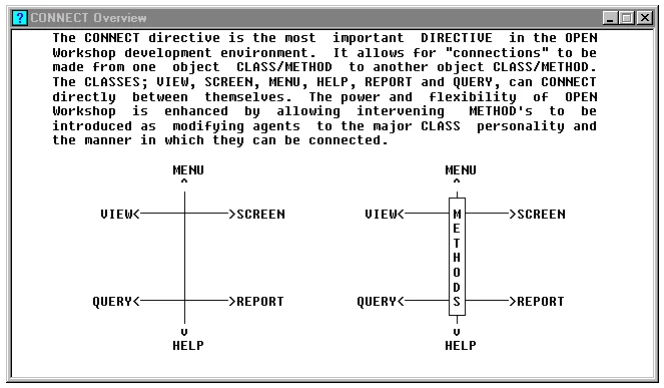
Section titled “On-line Help”Graphic Help has all the functionality described in the Dictionary-IV Developer and User guides. The various help types will be displayed in appropriate graphical controls.
- Simple on-line help displays in a Windows text control.
- Help Index (.HI.) displays in a graphical list, see OPENworkshop menus.
- Pop-up Menus (.HM., .MN.) displays in a graphical list, see OPENworkshop menus.
- Function Key (.HF.) displays in a display in a Windows text control.
Below is an example of graphic simple on-line help:
Text Field
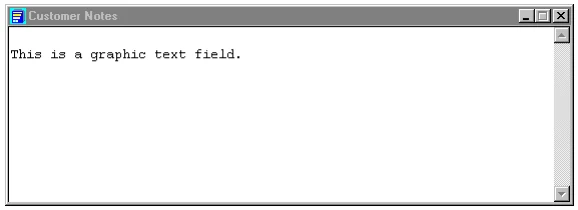
Section titled “Text Field”Graphic Text Fields display in the Windows text control. Below is an example of a graphic text field.
From the VIP for Dictionary-IV Reference, version 8.9.1. Open this page in the PDF