

Dictionary Report
This utility provides a report on the content and organization of the System Dictionary file (IDDBD).
This is a protected utility. If security is active, access to this utility is restricted to those individuals with knowledge of the system password.

Select Dictionary Report from the Dictionary-IV Utilities Menu. The system prompts:
Select Printer (LP): LP________
Type the name of the printer you wish to use and press Enter. If security is active, you will need to enter the system password in order to proceed. The system displays the following:
System Dictionary Report
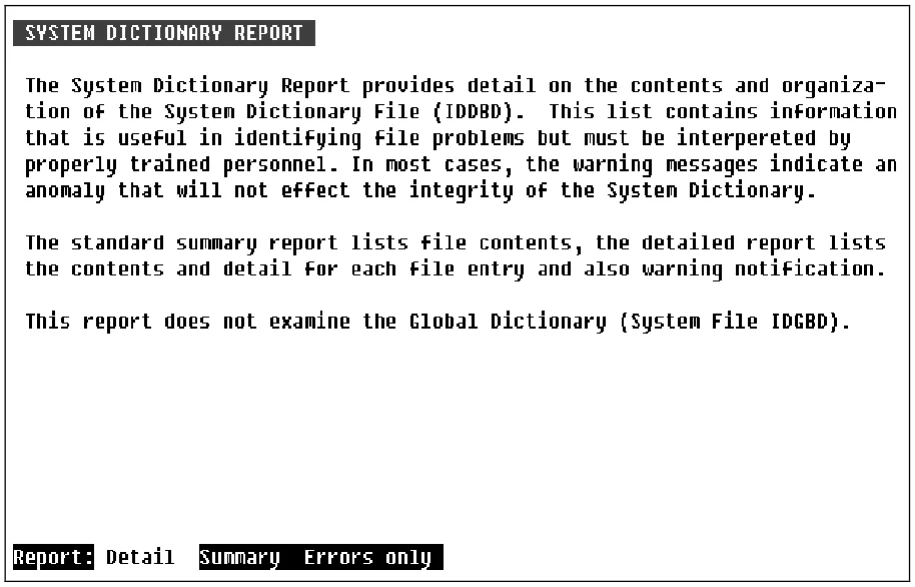
A description of the System File Report displays and the system prompts:
Report: Detail Summary Errors only
Detail:
Contains full detail, all components appear on the report. Also lists error notification. The detail report can produce a very large output.
Summary:
Lists a summary of file contents. Each definition header appears on the report. The summary report can also produce large output.
Errors only:
Lists only those definitions that contain possible error conditions.
From the Dictionary-IV Administrator Guide, version 8.9.1. Open this page in the PDF