

Thoroughbred Server Status Utility
Managing Basic Tasks
Section titled “Managing Basic Tasks”The Thoroughbred Server Status utility allows you to view and kill tasks run by the Thoroughbred Manager. This utility is installed into your Basic directory, typically C:\Program Files (x86)\Tbsc. To start the Server Status utility, double click on tbpview.exe. Be sure Show Local B.exe is checked.
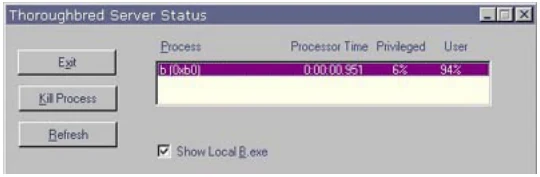
If for some reason you need to kill a task using tbpview, you may need to first correct the permissions.
From the TS Environment for Windows Installation Guide, version 8.9.1. Open this page in the PDF