

Mail System
This utility allows you to send internal mail messages to all operators or individual operators.
To access the internal mail system type MS and press Enter at any Dictionary-IV menu.
The system displays a listing of all operators defined in System Administration. For more information see Operator Information in this section.
To send:
You may select all operators or individual operators.
- To select all operators highlight All Users and press the Space Bar.
- To select one operator highlight the operator name and press the Space Bar.
- To select more than one operator highlight the first operator name, press the Space Bar, highlight the next operator name and press the Space Bar.
Once you have made your selections press F4 and a text window displays. You may use your standard text editing keys. Type your message and press F4.
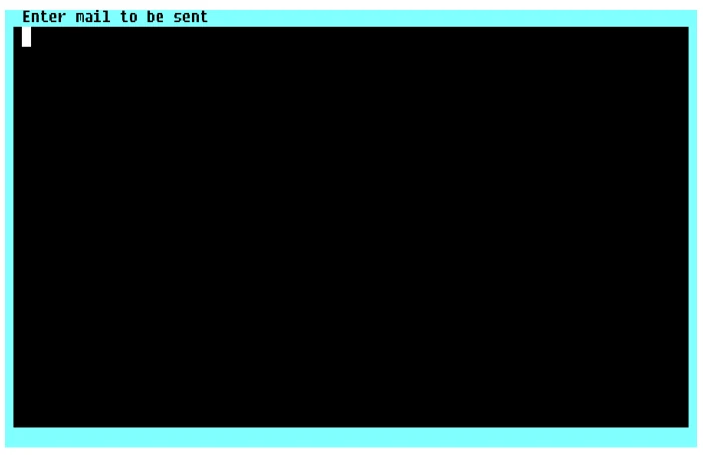
The system prompts:
Mail will be sent to these users. Is this correct?
The operator names display in a window. If it is not correct type N and the system returns to the text window. If it is correct type Y and the system prompts:
Mail has been processed/updated, <CR> to continue.
To receive:
The mail displays the next time the operator logs in to Dictionary-IV. At login the system prompts:
<CR>-continue, (D)elete mail, (H)ard copy mail, Up cursor - start over:
Make your selection and the normal login procedure continues.
From the Dictionary-IV Administrator Guide, version 8.9.1. Open this page in the PDF