

Create Graphic Presentations
With VIP enabled, the host application code executes exactly as it does in character mode. Business rules and logic, data integrity, data element and file definitions remain under the control of the host application code. When the host application code references a Dictionary-IV definition, VIP will automatically convert it to a graphical presentation on the client. The host application code is independent from the presentation style.
This section describes how to use and customize the Dictionary-IV graphical objects that are applied to a character application.
All VIP graphical objects are displayed within the main VIP Server Window.
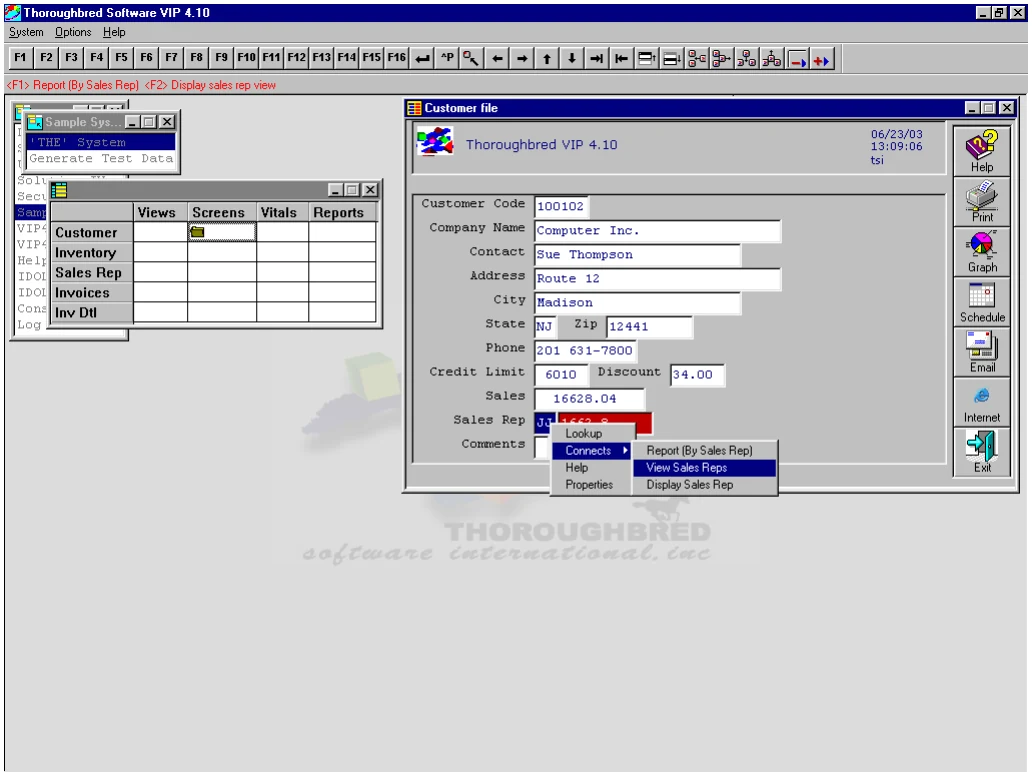
The background image for VIP Server Window can be set from within the WorkStation
Manager. For more information, please see refer to the WorkStation Manager manual (VIP tab).
The title for the VIP Server Window can be set from within the Workstation Manager. For more information, please see refer to the WorkStation Manager manual (VIP tab).
In this chapter
Section titled “In this chapter”- The VIP Menu Bar
- Menus
- Selection List
- On-line Help
- Text Field
- Messages
- Views
- Screens - Introduction
- Default Screens
- Custom Graphical Screens
- Templates
From the VIP for Dictionary-IV Reference, version 8.9.1. Open this page in the PDF