

Connect to the TSWebTerm Host System
Start a browser of your choice. TSWebTerm has been tested with the following browsers:
- Brave
- Apple Safari
- Google Chrome
- Microsoft Edge
- Mozilla Firefox
- Opera
To start a web terminal session, enter the following into the address bar of the browser:
http://<system-name>:5622/
If the TSWebTerm server was started with the SSL options, replace the http with https. If the TSWebTerm server was started with a different port number, replace the 5622 with the alternate port number.
When connected to the system, you will be presented with login dialog:
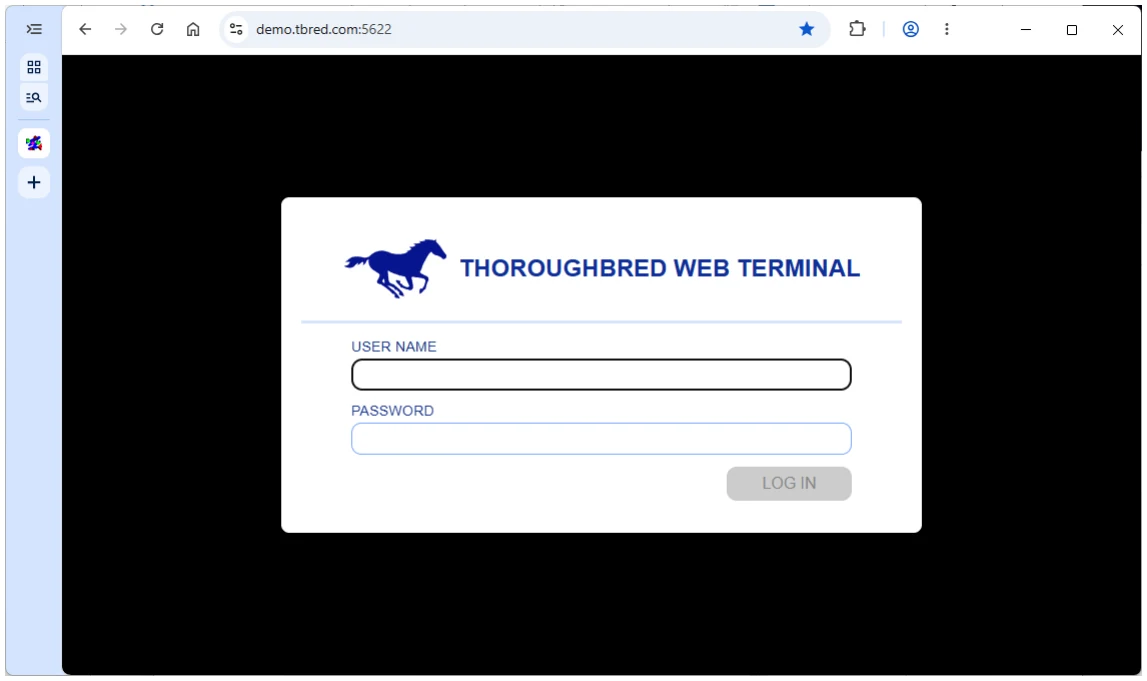
Enter your user name and password:
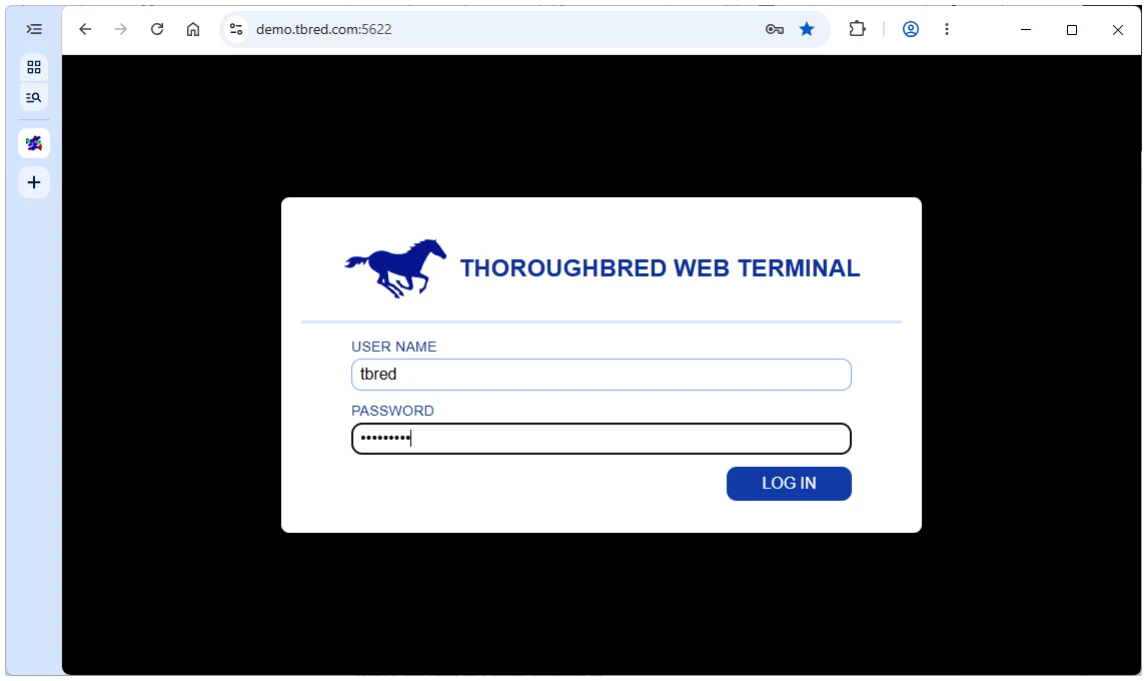
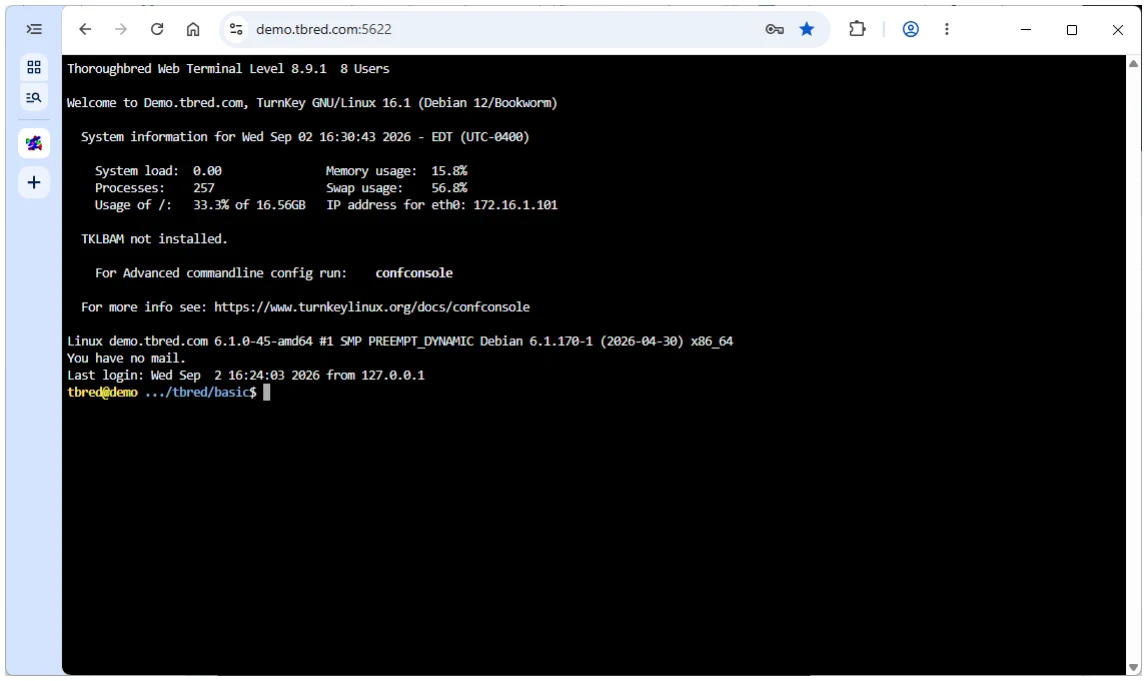
Press return or click the LOG IN button to log onto the system:
From the Thoroughbred Web Terminal Reference, version 8.9.1. Open this page in the PDF