

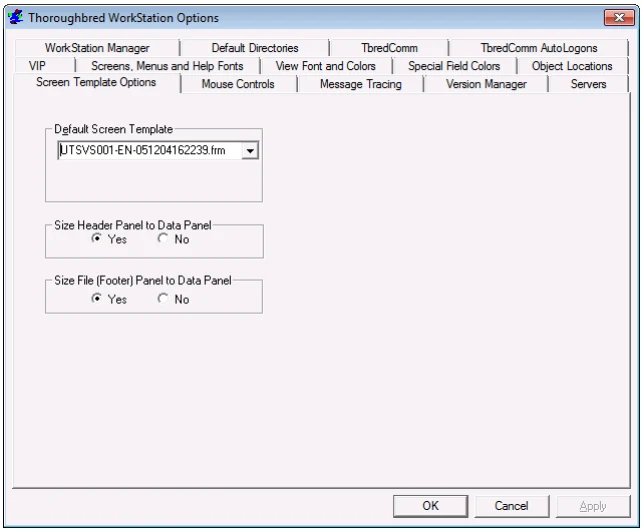
Screen Template Options
VIP graphical screens and templates are now saved on the host in a GUI dictionary. A utility to import your existing VIP 4.0x screens has been provided.
Default Screen Template Select a screen template from the drop-down list. VIP uses this template each time it generates a new default graphical screen or when you load a new default graphical screen in the editor.
Size Header Panel to Data Panel
(Optional) Select Yes to automatically size the screen header panel width to the data panel width when a template is applied. The header panel appears at the top of the graphical screen. The data panel appears in the center of the graphical screen and is used as a container for the data entry fields.

Size File (Footer) Panel to Data Panel
(Optional) Select Yes to automatically size the default screen footer panel width to the data panel width when a template is applied. The footer panel appears at the bottom of the graphical screen. The data panel appears in the center of the graphical screen and is used as a container for the data entry fields.

From the WorkStation Manager, version 8.9.1. Open this page in the PDF