

Selecting CONNECT VIEW
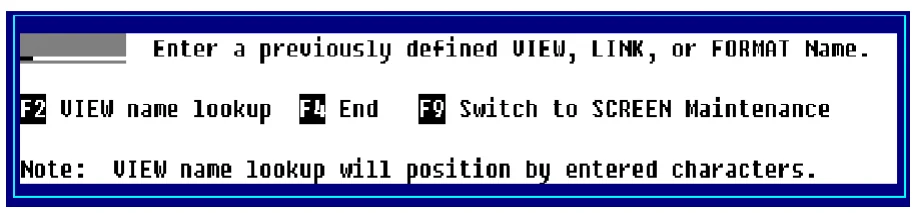
You can execute CONNECT VIEW by selecting V View (CONNECT VIEW) from the Dictionary-IV Development Menu or by pressing F2 from any Dictionary-IV menu and selecting View, the system displays the following:
You can also execute CONNECT VIEW from a pop-up menu by pressing F1 and adding the CONNECT VIEW to the pop-up menu.
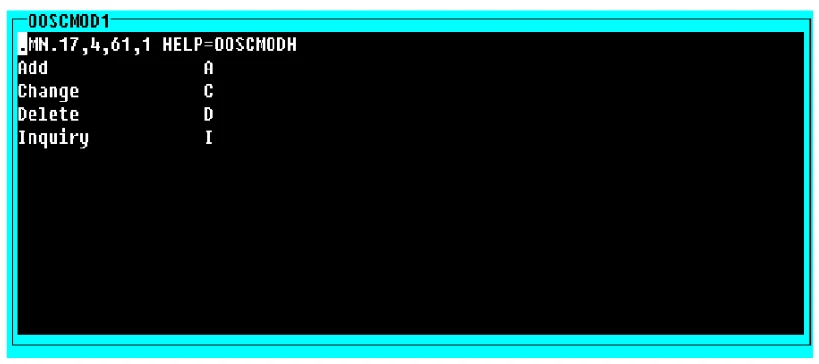
The system displays a window similar to the following:
For information on executing CONNECT VIEW from a script, see the Script-IV Language Reference.
From the Dictionary-IV User Guide, version 8.9.1. Open this page in the PDF