

Global Systems Definition
The Global option on the Dictionary-IV menu allows you to access the OPENworkshop global cross-reference system. To use the system you first create cross-reference tables containing the references you need, then view them. A new set of tables can be created whenever you wish.
Global Option
Section titled “Global Option”Select 1-Edit from the Dictionary-IV Development Menu or press F1 from any Dictionary-IV menu. The system displays the Class pop-up menu:
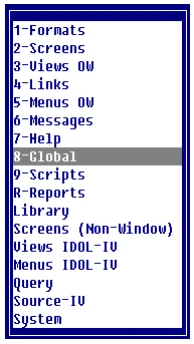
Select 8-Global. When you first enter this system you must create the cross-references you require. The system displays the following:
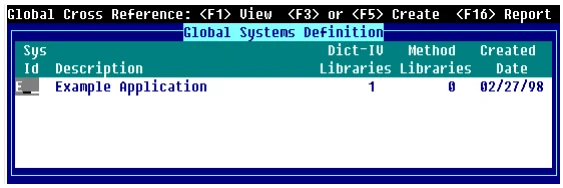
Press Line Insert to add a new line to the Global Systems definition, enter the System ID and description.
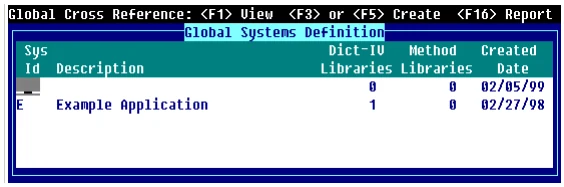
In the Dictionary-IV Libraries column press the Enter key and type the names of the libraries you wish to add to the list shown. Note that more than one library can be specified in this list. Enter the Library. Press F2 to display the Library View:
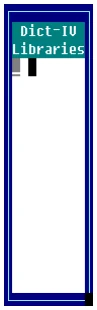
Press the Tab key. Press the Enter key. Use the same procedure to add the Method libraries column, press the Tab key, and then press the Enter key to add the Method libraries.
Move the cursor to the System ID column and select the Create (F5) option to build the cross-references.
You may also press F16 to create a report:
Once the cross-references are built, press F1 in the Sys Id column to explore the cross-reference information that is available through the following WhereUsed menu:
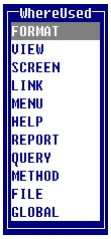
Each option allows you to select a class or other set of system components to review. For example, the FORMAT option displays all formats in the system and shows where they are used. Select FORMAT to produce the FORMAT Where Used View, for example:
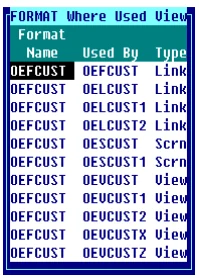
This view shows where every Format in the selected system is used, and the type of system component that uses it. Note that all of the classes themselves can be displayed or edited from this where-used view. Move the cursor to the required item and select Edit (F1) or Display (F2).
F1 to Edit
Section titled “F1 to Edit”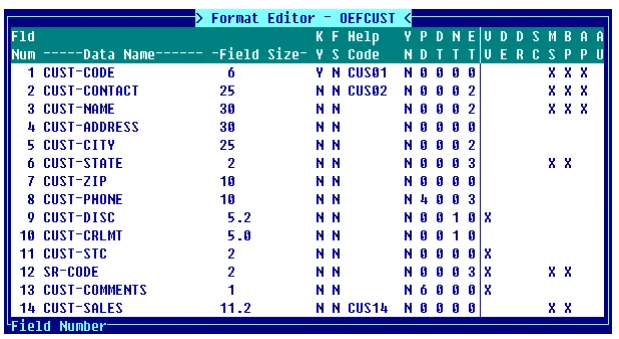
F2 to Display
Section titled “F2 to Display”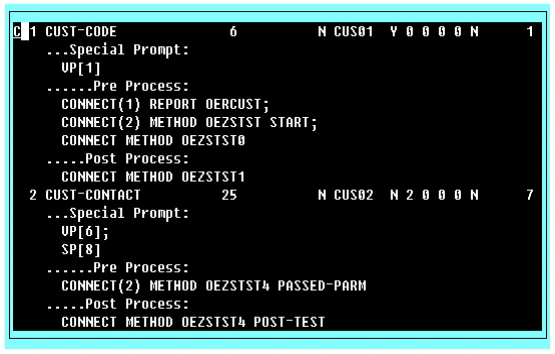
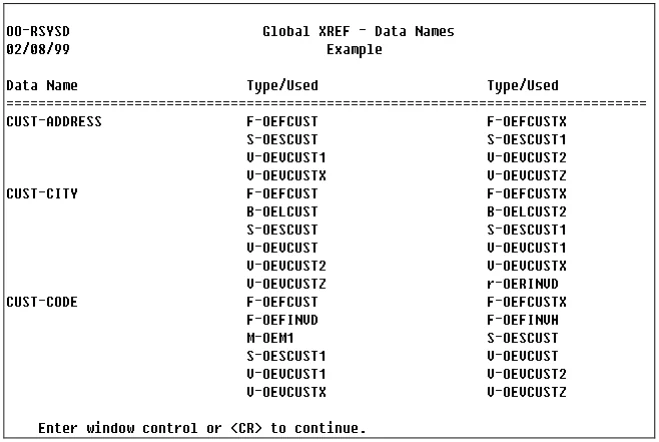
The GLOBAL option of the WhereUsed menu shows where Data Names are set or used:
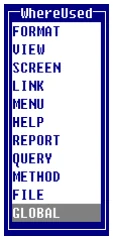
Select GLOBAL to display the Global Dataname Where Used menu:
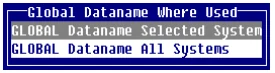
Selecting the highlighted option displays the following menu:
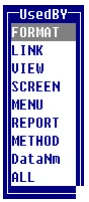
As before, you can review or change the definitions of items from these views. These cross-reference views are extremely flexible and powerful as can be seen from the following examples:
The Used By Format option shows which formats contain a definition of which Data Names throughout the application.
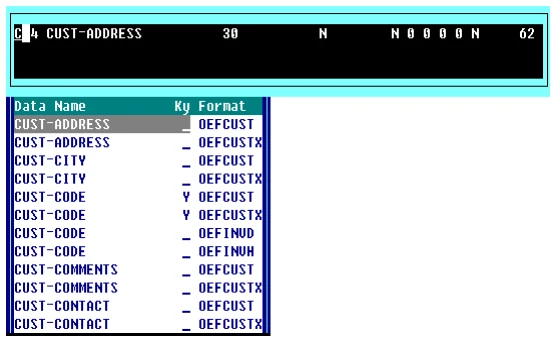
The Used By Method option shows all Data Names that are used by methods, and whether the method simply read the data name or may also set its value.
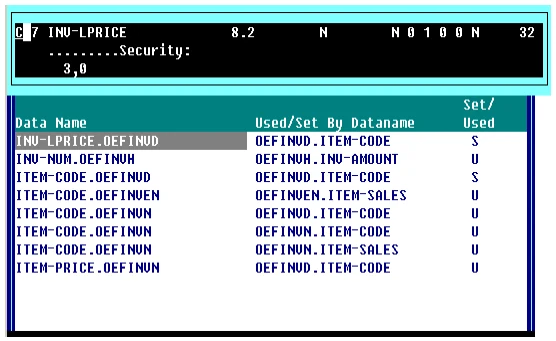
The Used By Data Name option shows Data Names that are set or used from other Data Names. Typically, these uses are to be found in Data Name pre-process or post-process definitions. The normal order of presentation of the format name and Data Name in the left hand column of this display is reversed, so that Data Names are listed in alphabetically sorted order.
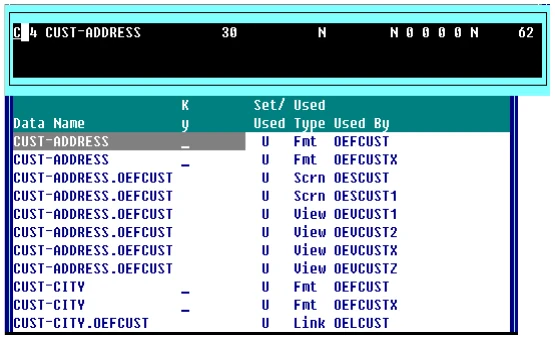
The Used By All option shows all uses of Data Names by all classes and methods in the application.
From the Dictionary-IV Developer Guide, version 8.9.1. Open this page in the PDF