

Screens, Menus, and Help Fonts tab
Define the font family, style, and point size of your screens, menus, and help objects.
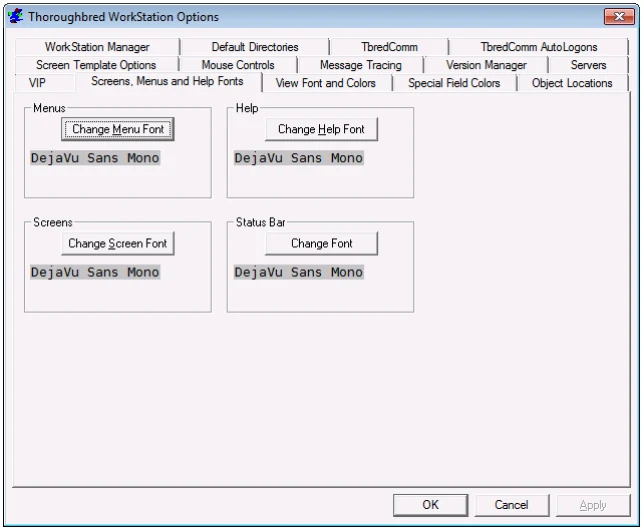
Select the Change (Screen/Menu/Help) Font button and the following appears:
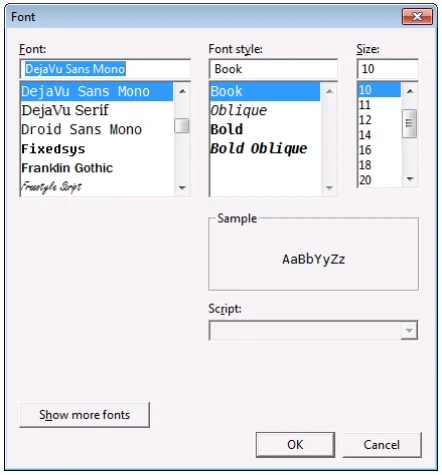
You may highlight the Font family, Font Style, and point Size. Select Apply to accept the changes. Select Cancel to exit without saving the changes.
From the WorkStation Manager, version 8.9.1. Open this page in the PDF