

Object Locations tab
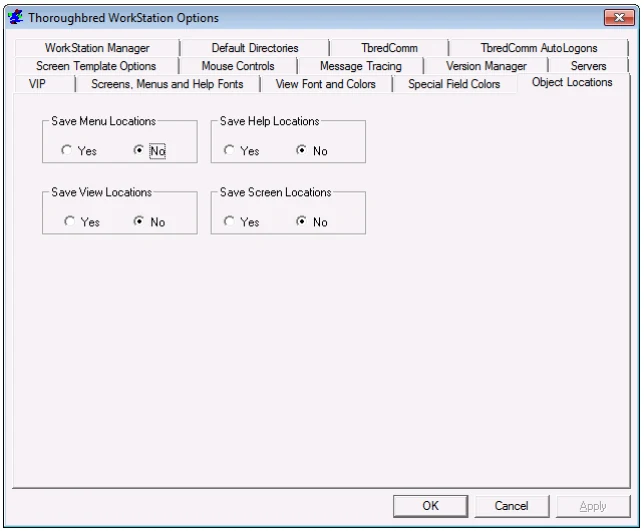
Save Menu/Help/View/Screen Locations Select Yes to save the last position of the (menu, help, view, or screen) object. Select No to return to the default position of the object.
Enabling the option to save View locations also allows you to resize the width of a view and the width of the columns within the view and save it for the next time it is used on the workstation.
From the WorkStation Manager, version 8.9.1. Open this page in the PDF